NapWake
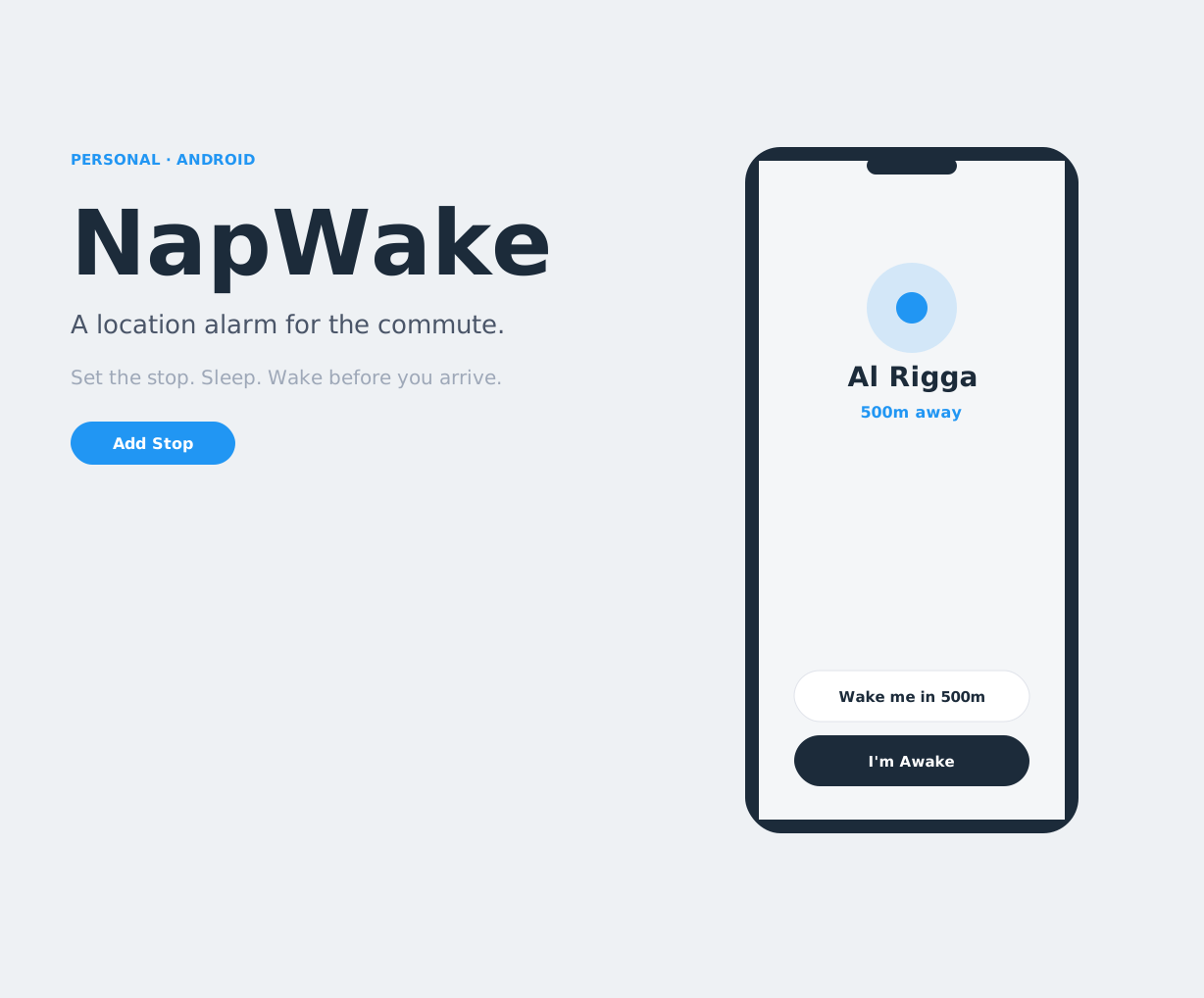
I kept falling asleep on the bus and missing my stop. NapWake is the alarm I designed for that ride. You set the stop, fall asleep, and it wakes you by where you are, not by the clock. If your headphones are in, it rings only in them, so you are not the person whose alarm goes off on a packed bus.
I designed it years ago and never built it. It is the first of a list of ideas I am finally finishing, and the first one I have taken from a sketch to a live app. NapWake is free on Google Play.
The problem
A time alarm is the wrong tool for a commute. The bus is late, traffic moves, the route is new, and the minute you picked no longer matches the stop. Maps know where you are, but they are built for someone who stays awake and watches the route. They do not let you rest.
The experience had to do four things:
- Let someone sleep without watching a map
- Wake them early enough to stand up and get off
- Wake only them, in a quiet carriage
- Catch the miss if they sleep through the first ring
Who it is for
I was the first user. The same flow has to hold up in three situations.
- A familiar commute, when you know the stop and your body wants to switch off
- A long bus or train, when arrival is a range and a clock alarm is a guess
- A place someone else sent you, as a Google Maps link, that you do not want to search for again
After setup, the person holding the phone is often half asleep, one hand on a rail, screen locked. The wake has to be readable in that state.
How I designed it
A place, not a time
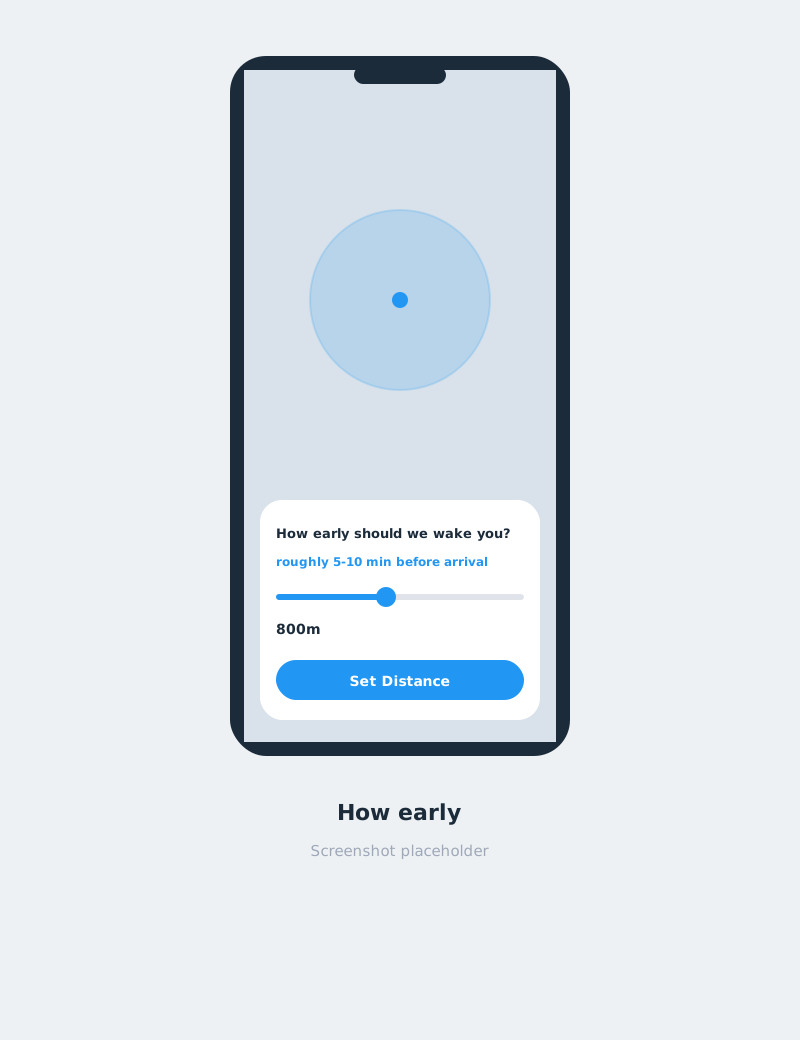
The alarm is a destination and a radius, from 300 m out to 20 km. The screen does not leave that as a raw number. The question is "How early should we wake you?", and the slider answers in time as well as distance, in the shape of "roughly 5-10 min before arrival". The boundary is drawn on the map so you can see the decision, not only read it.
One job on the home screen
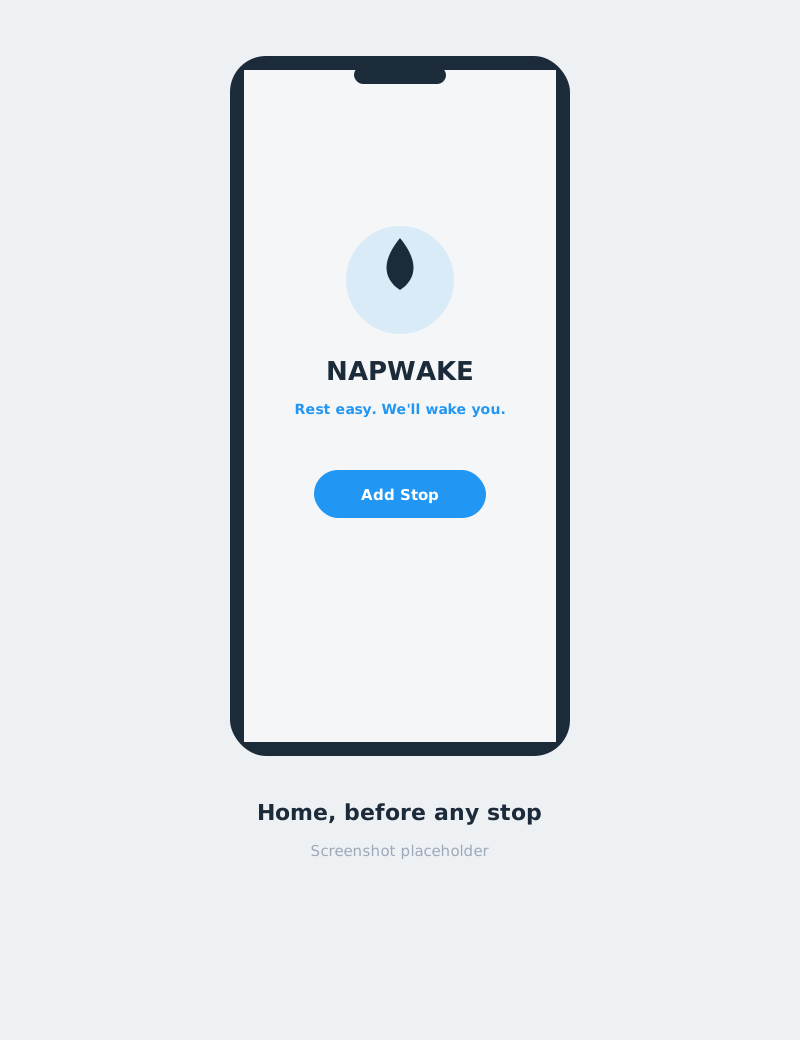
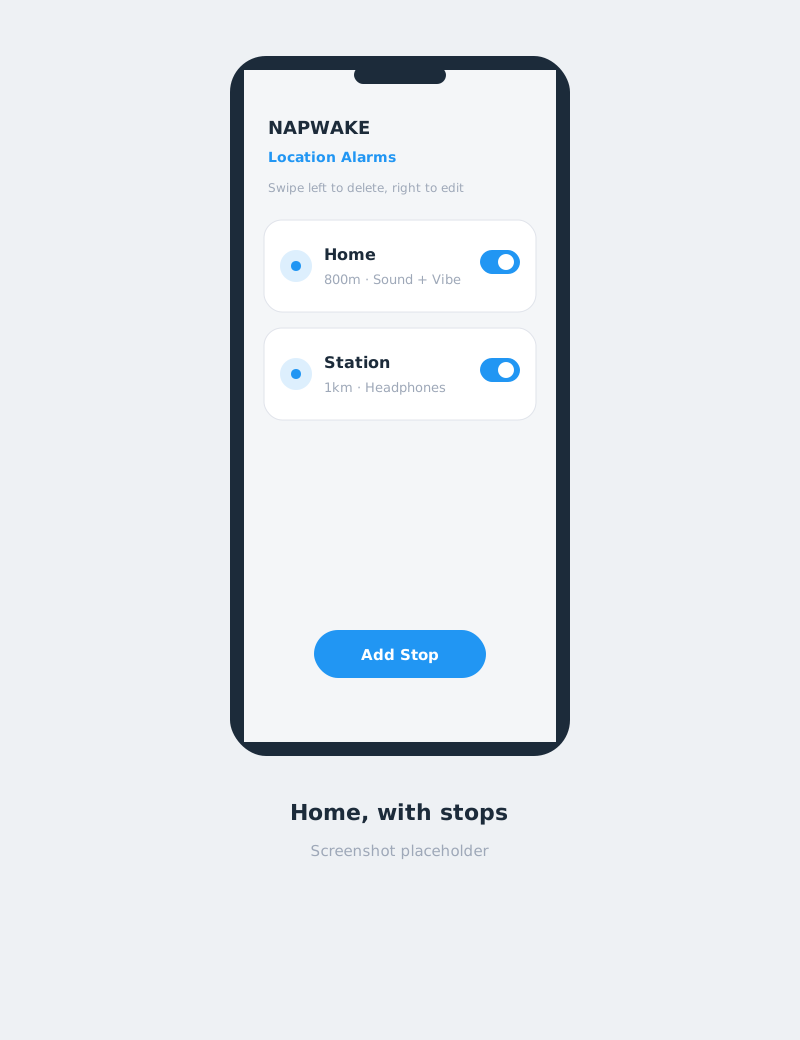
Before any stop is saved, the screen is a line and a button: "Rest easy. We'll wake you." and Add Stop. After that, it is a quiet list. The gesture is written on the screen: swipe left to delete, right to edit. A tap opens the live trip. Add Stop stays put at the bottom.
Wake one person
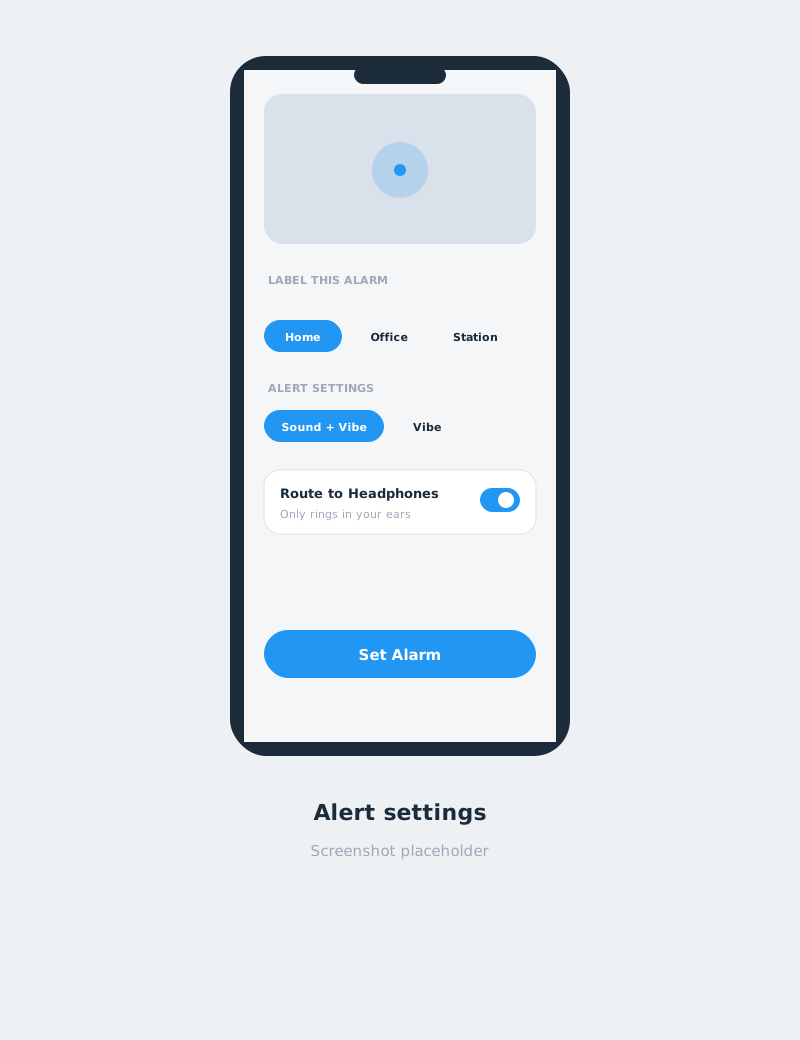
Route to Headphones is the part that makes this usable in public. When headphones are connected, the alarm plays through them. The setting says what happens if they are not: otherwise it rings out loud. If they come out while it is ringing, the sound stops instead of jumping to the speaker. The volume keys mute the audio and leave the screen up. That is the control a groggy hand already reaches for.
A second chance
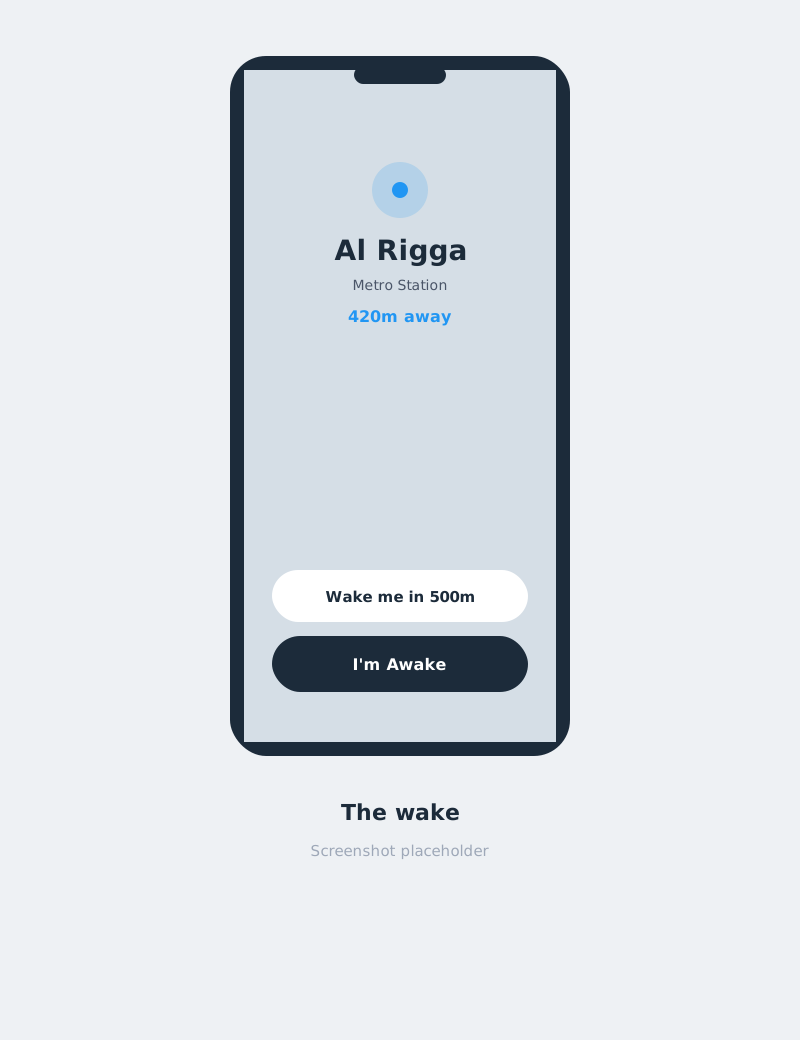
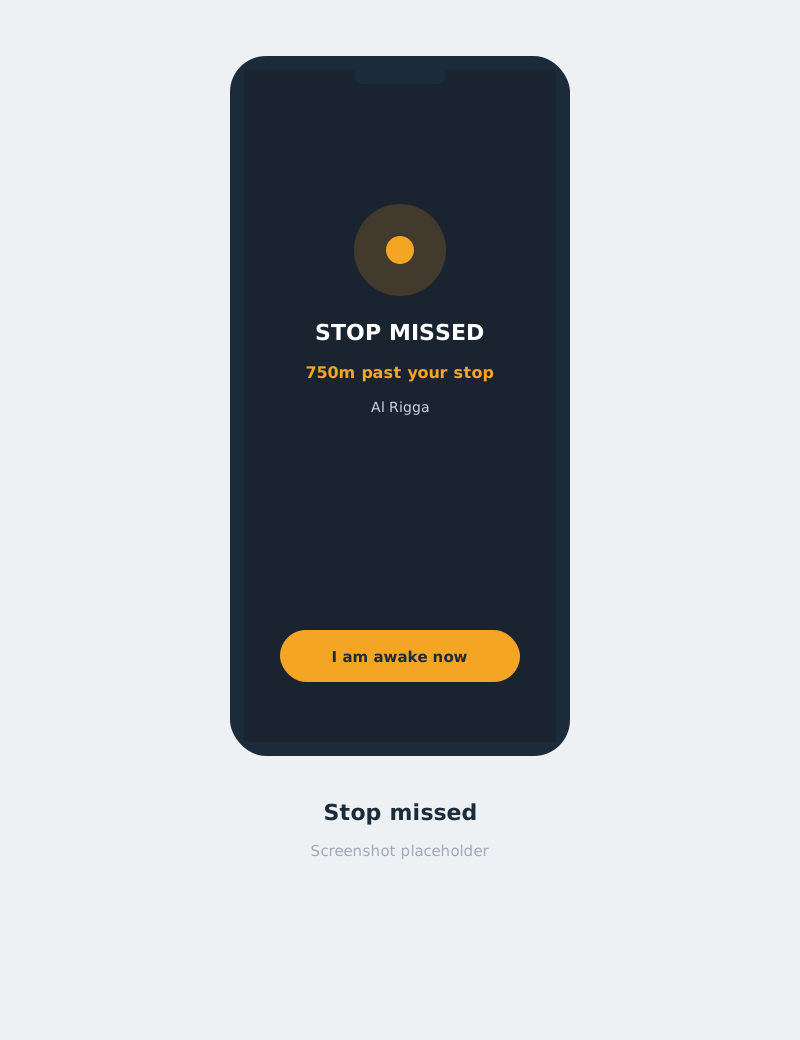
Snooze is distance. "Wake me in 500m" pulls the boundary closer to the stop, rather than adding minutes that traffic can swallow. If you pass the stop, a second screen takes over: STOP MISSED, how far past you are, and "I am awake now".
The flow
Add a stop
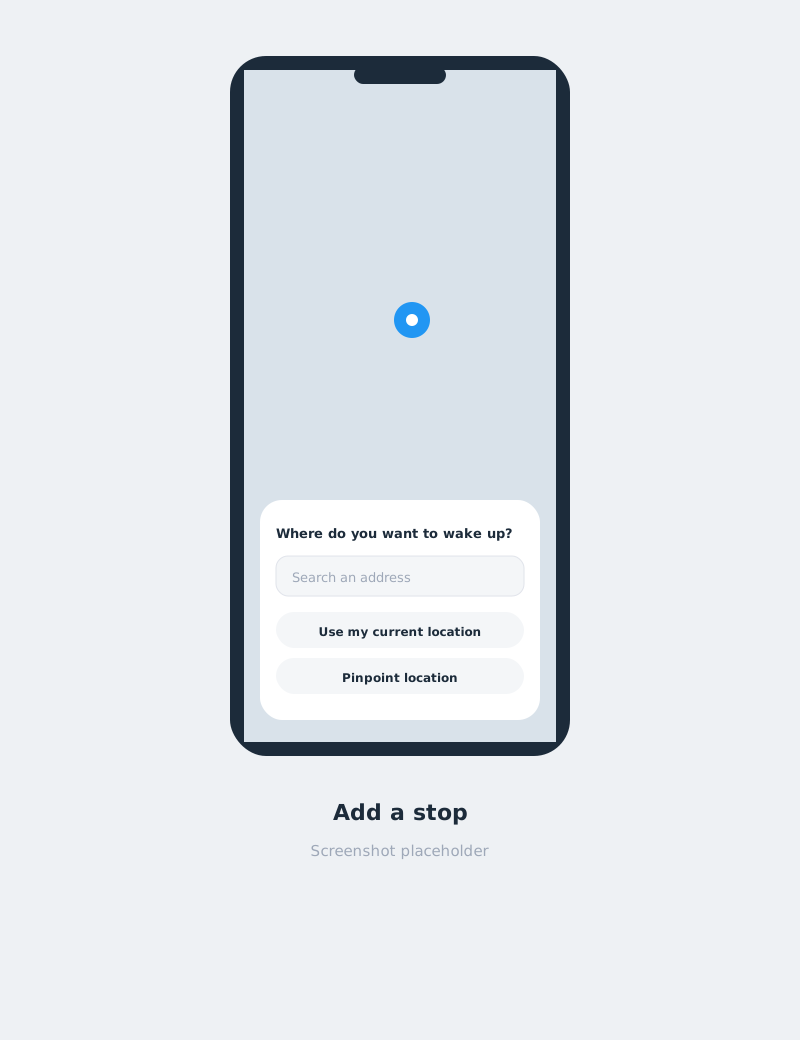
The first question is "Where do you want to wake up?" You can search an address, use your current location, or drag the map and pinpoint the stop. Sharing a Google Maps link opens this same screen with the place already filled in. Three ways in, one setup.
How early
The map stays on screen. The pin moves up so the sheet does not cover it, and a circle shows the radius you are choosing. The steps are fixed, from a few hundred metres to several kilometres, so the choice stays deliberate.
How it wakes you
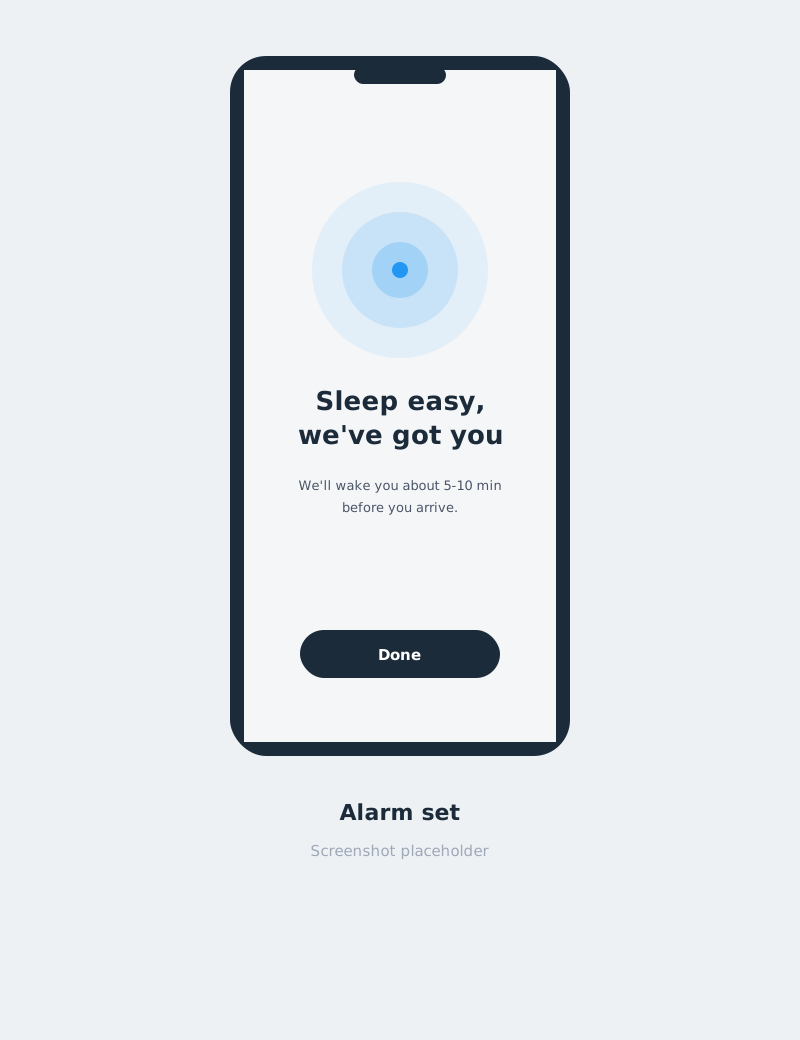
You name the stop: Home, Office, Station, or your own label. You pick how it alerts you: Sound + Vibe, Sound, Vibe, or Silent. You decide whether to route it to headphones. Set Alarm, and the confirmation is plain: "Sleep easy, we've got you", plus about how long before arrival you will be woken. Then you are back on the list. The phone can lock. The alarm does not need the app in front of you.
While you ride
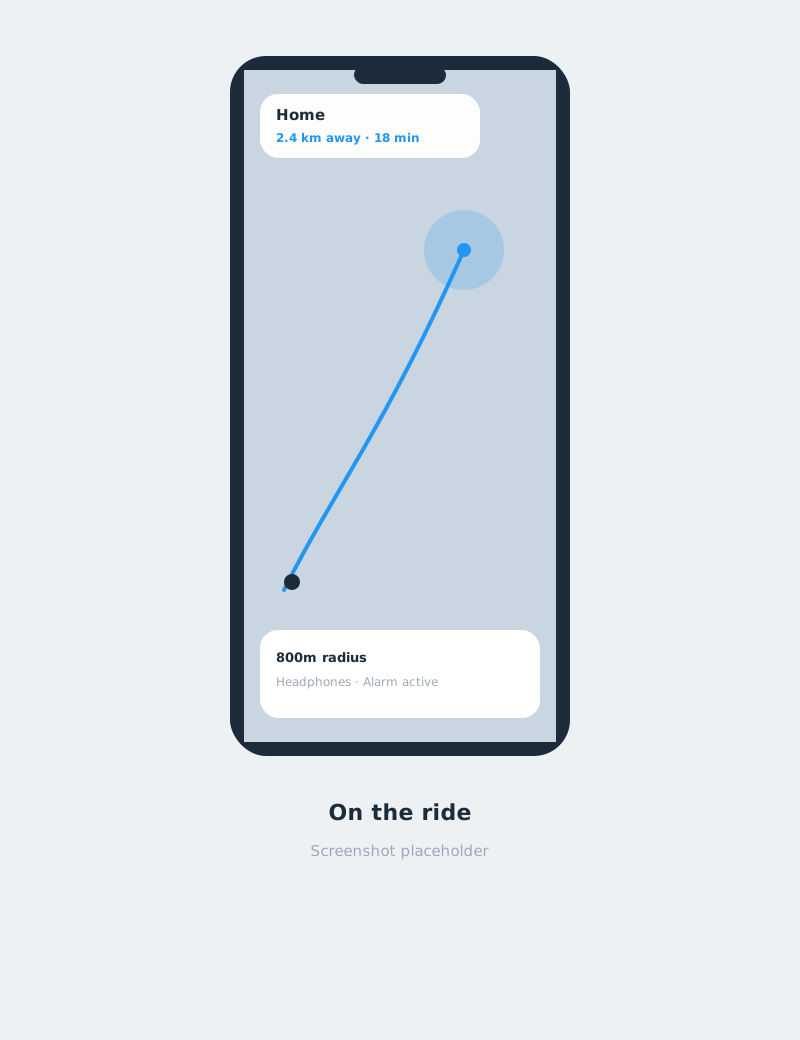
The detail screen is there for the moment you want to check, not for the moment you want to sleep. It shows the path, the boundary, how far is left, and an ETA. Far from the stop, tracking stays coarse so a long ride does not burn the battery. Close in, it switches to a precise fix.
The wake
This screen assumes you are not fully awake. The place name is large. The map points toward the stop, and it does not pan or zoom, so a stray thumb cannot lose it. There are two actions: I'm Awake, and Wake me in 500m. It comes up over the lock screen.
If the stop goes by
The tone changes on purpose. STOP MISSED, the distance past the stop, and one button to confirm you are awake. It is a failsafe for sleeping through the first alarm, or for waking up and realising the stop is already behind you.
What I left out
- No account. A bus alarm does not need a profile.
- No clock as the hero. A time on the home screen would teach the wrong model.
- Location is for the alarm. The app does not ask you to sign in, and the published privacy stance is that location is processed on the device.
Where it is
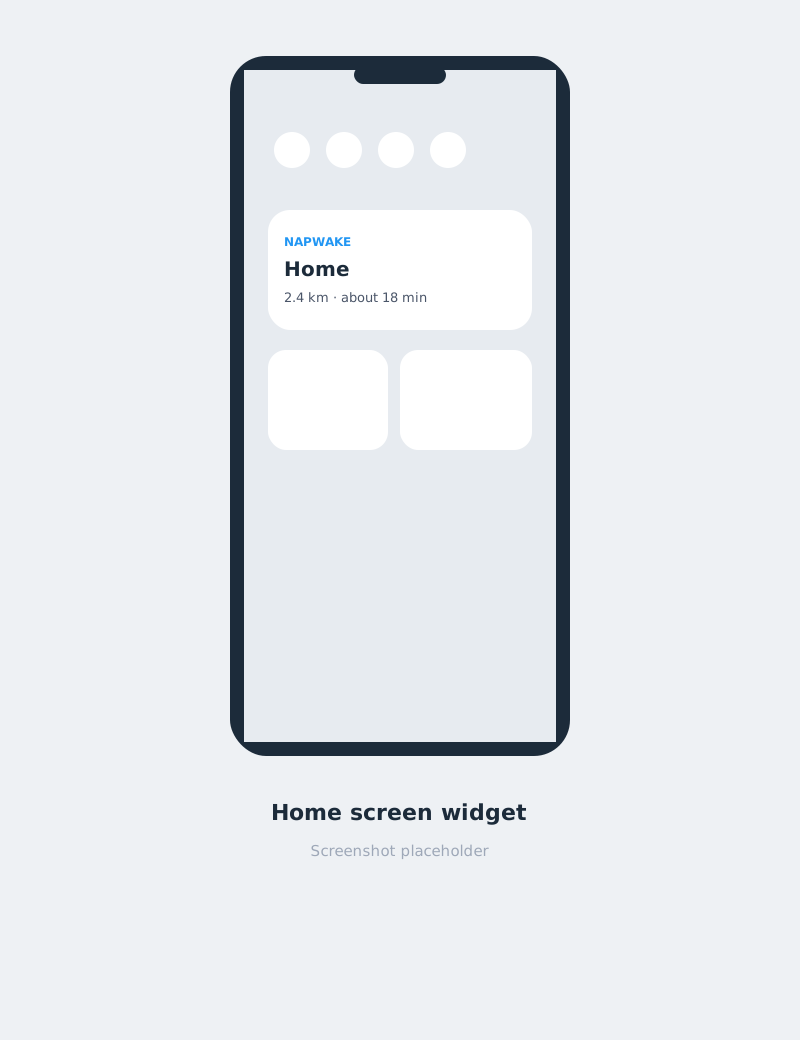
NapWake is live and free on Google Play, under the name 8toons. A home screen widget shows the active stop and the distance left, so the last glance can happen before the phone goes into a pocket.
What I am still watching
- Whether "how early" is clear from the radius alone, before anyone has taken a ride with it.
- Whether headphone routing is chosen during setup, or only remembered after an alarm that was louder than they wanted.
- Whether STOP MISSED feels like help. The words are blunt because the person reading them is already past the stop.