Delays and traffic
A 7:42 alarm is wrong the moment the bus is late.
 NAPWAKEGet it on Google Play
Location alarms for commuters
NapWake rings when you’re close to your stop, not when the clock says so. Delays, detours and unfamiliar routes stop mattering.
A 7:42 alarm is wrong the moment the bus is late.
New city, new line. You can’t guess a time you’ve never travelled.
Is all it takes to end up three stations past your transfer.
Three taps, then sleep
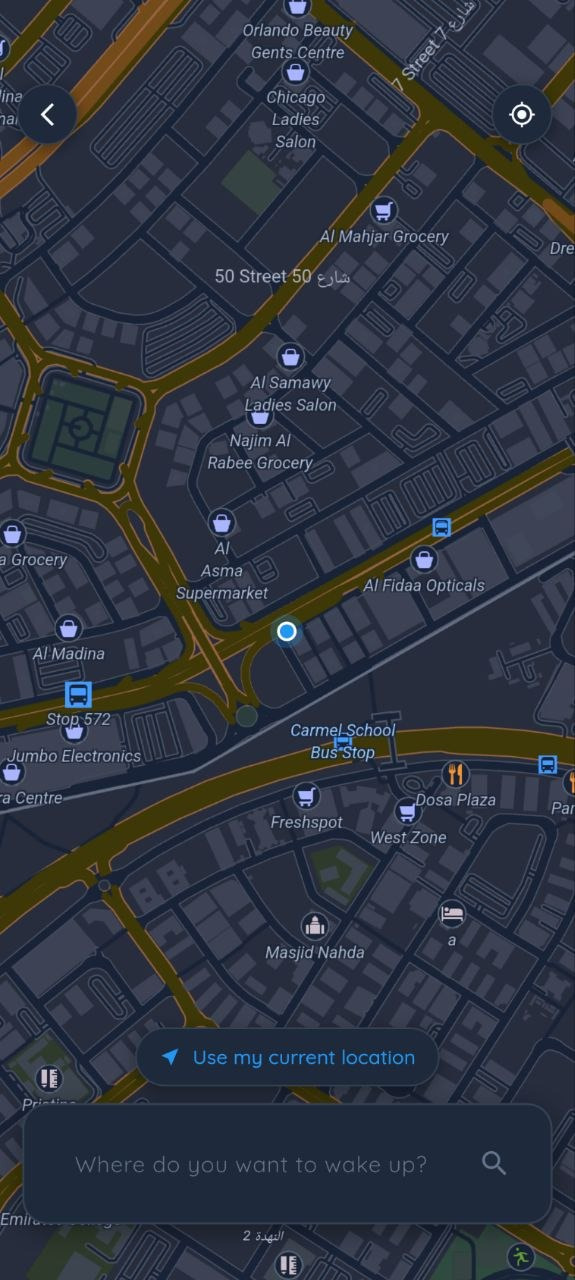
Use the share sheet, or search. NapWake reads the link, finds the coordinates and fills in the address for you.
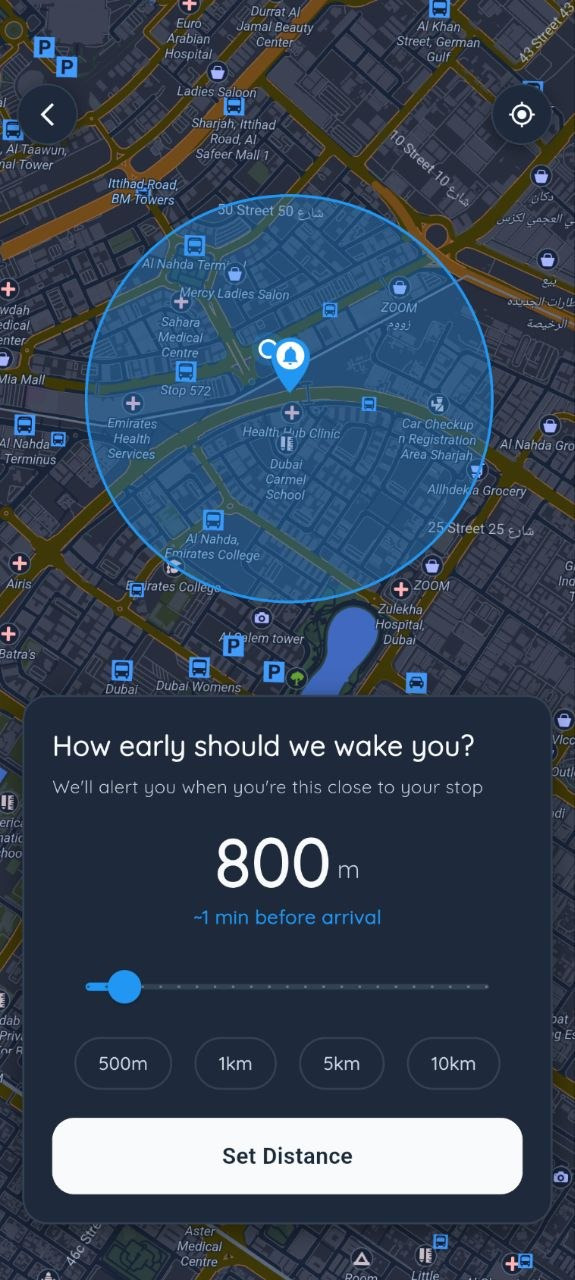
Drag the radius: 500 m for the metro, 10 km for the intercity. The map shows the circle you’ll wake up in.
It tracks on cell and Wi-Fi to save battery, switches to GPS as you get close, and rings inside the circle.
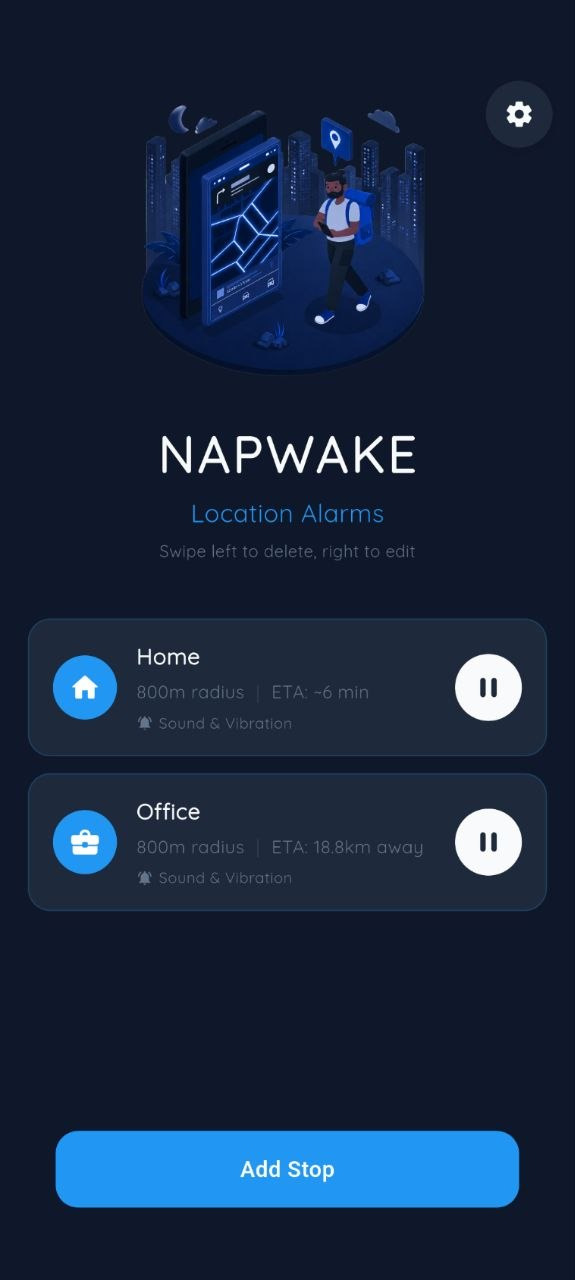
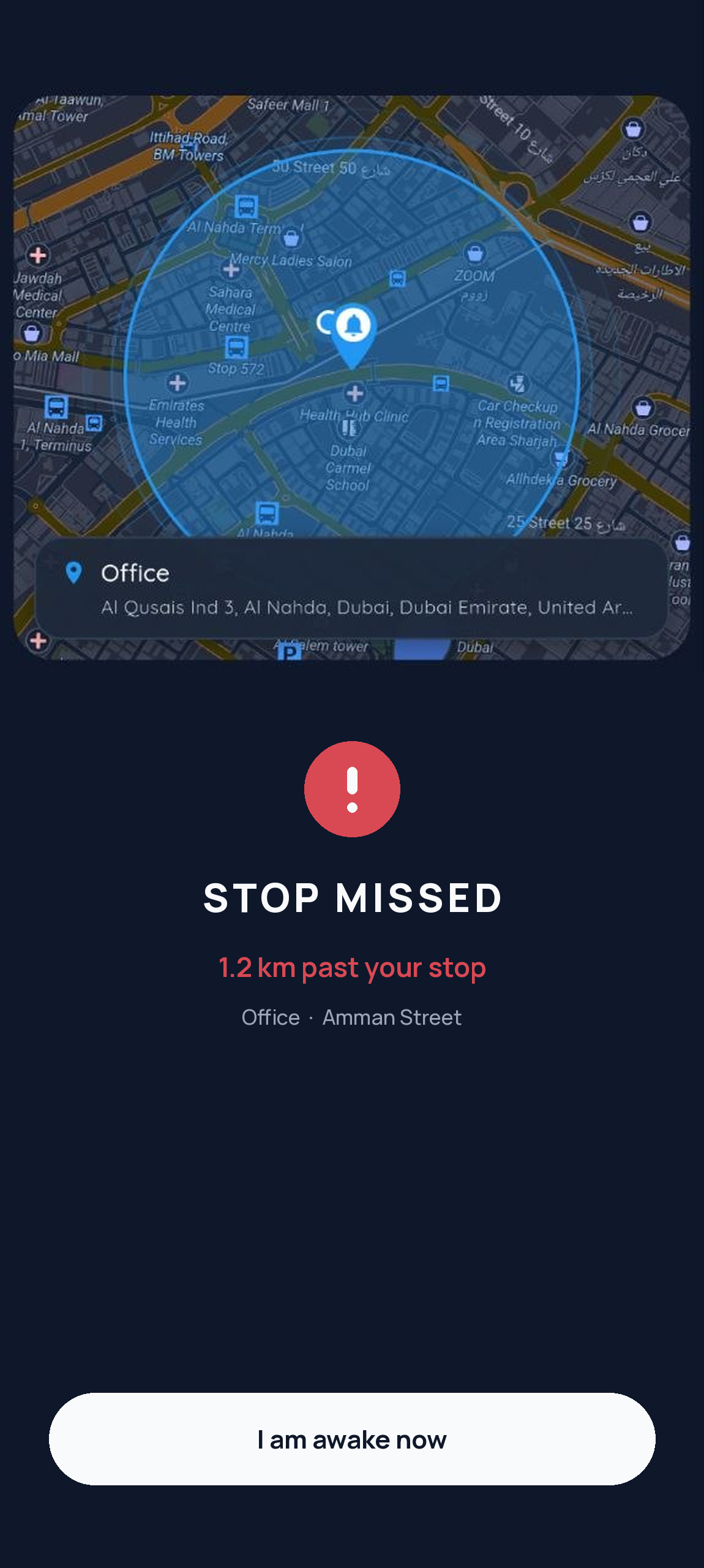
Slept through the first alarm and passed the circle? A second, louder alarm fires.
Rings in your ears, not the whole carriage. Unplug and it stops.
“Wake me 500 m closer.” The circle shrinks, you get another few minutes.
Cell and Wi-Fi while you’re far away, precise GPS only near the end.
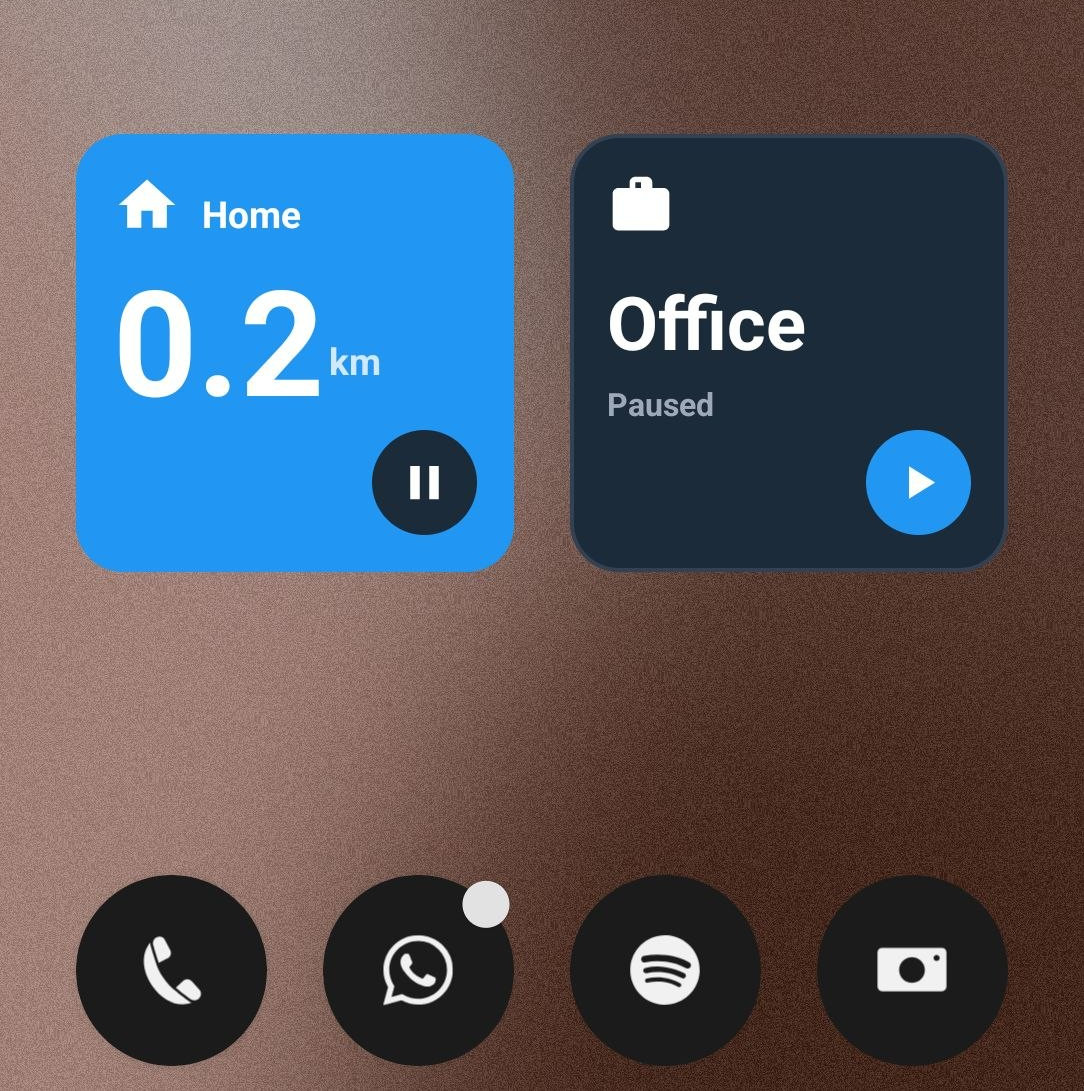 Home-screen widget
How it was built